



Seagate Hard Drive: Why It’s Still the Name People Default To When Storage Actually Matters
There’s a moment almost everyone hits eventually: a drive fails, a backup didn’t run, or a project folder vanishes right before a deadline. After that happens once, storage stops being an afterthought. That’s usually when people start paying closer attention to brand reputation, and Seagate Hard Drive keeps coming up, not because of clever marketing, but because the company has been making drives long enough to have earned a reputation the hard way, through decades of actual field performance.
A Brand Built on Decades of Iteration
Seagate has been in the hard drive business since the early days of personal computing, which means its current lineup isn’t a first attempt at anything. Every generation of drives has been shaped by feedback from data centers, IT departments, and everyday users who needed something that simply didn’t fail when it mattered. That history shows up in small ways: the engineering choices in their enterprise drives reflect lessons learned from running thousands of drives in server racks for years at a time, not assumptions made on a whiteboard.
This matters because storage isn’t really a category where bleeding-edge innovation translates to better real-world outcomes. Reliability does. And reliability is mostly a function of accumulated experience, manufacturing consistency, and rigorous testing, all things that come from time in the market, not flashy spec sheets.
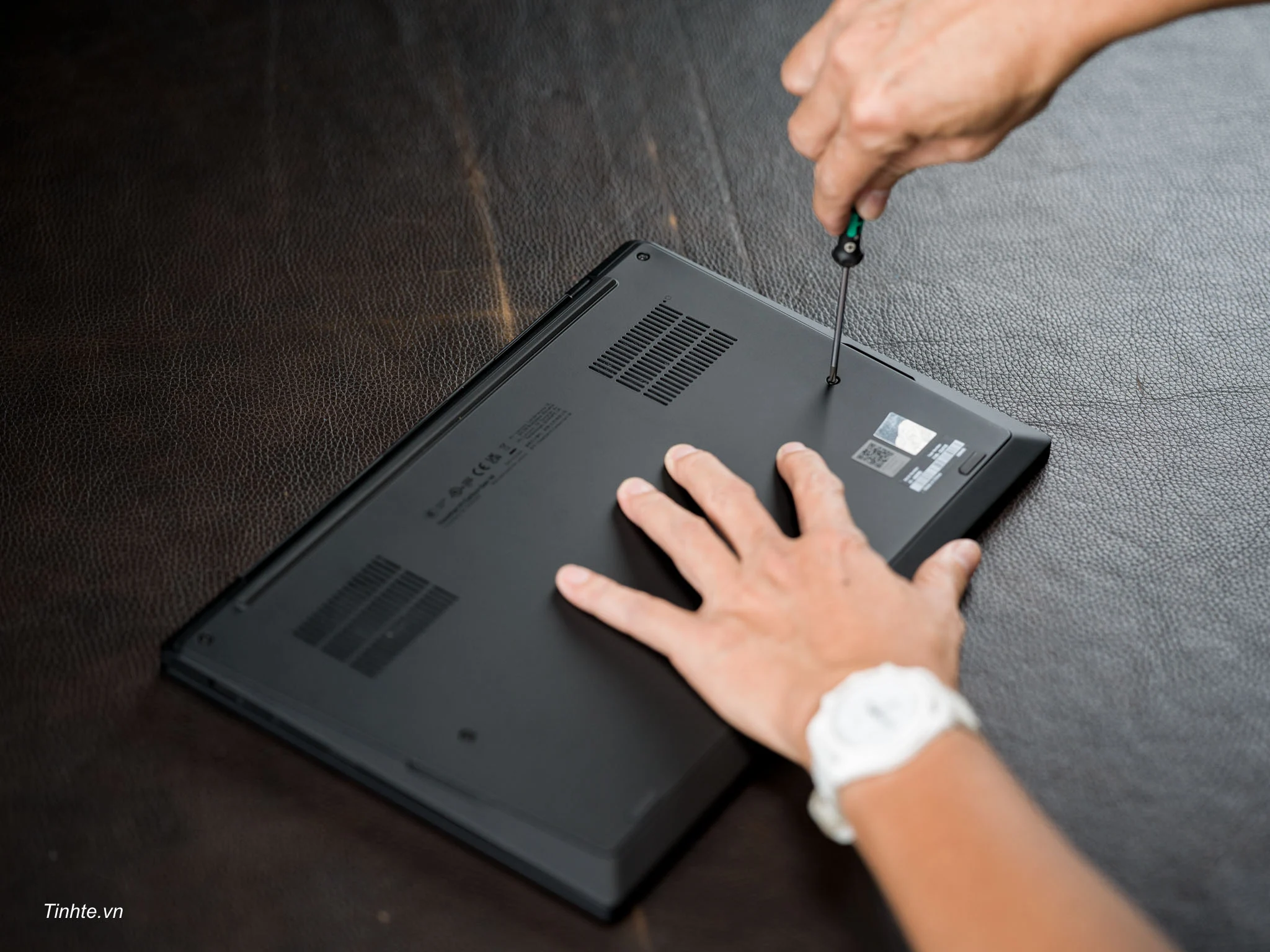
Internal Seagate Hard Drive: The Quiet Backbone of Every System
Internal hard drives don’t get much attention because, when they’re working properly, you never think about them at all. That’s actually the point. A good internal drive should be invisible, handling your operating system, your files, your applications, without drawing attention to itself through lag, noise, or failure.
Seagate’s internal lineup spans a wide range of use cases. The Barracuda series is built for everyday desktop and laptop use, balancing speed and capacity for people who just need a dependable drive without enterprise-level pricing. The IronWolf series steps things up for NAS (network-attached storage) environments, built to handle the kind of constant read/write activity that comes from multiple users hitting a shared drive throughout the day, something a standard consumer drive isn’t really designed to handle long-term.
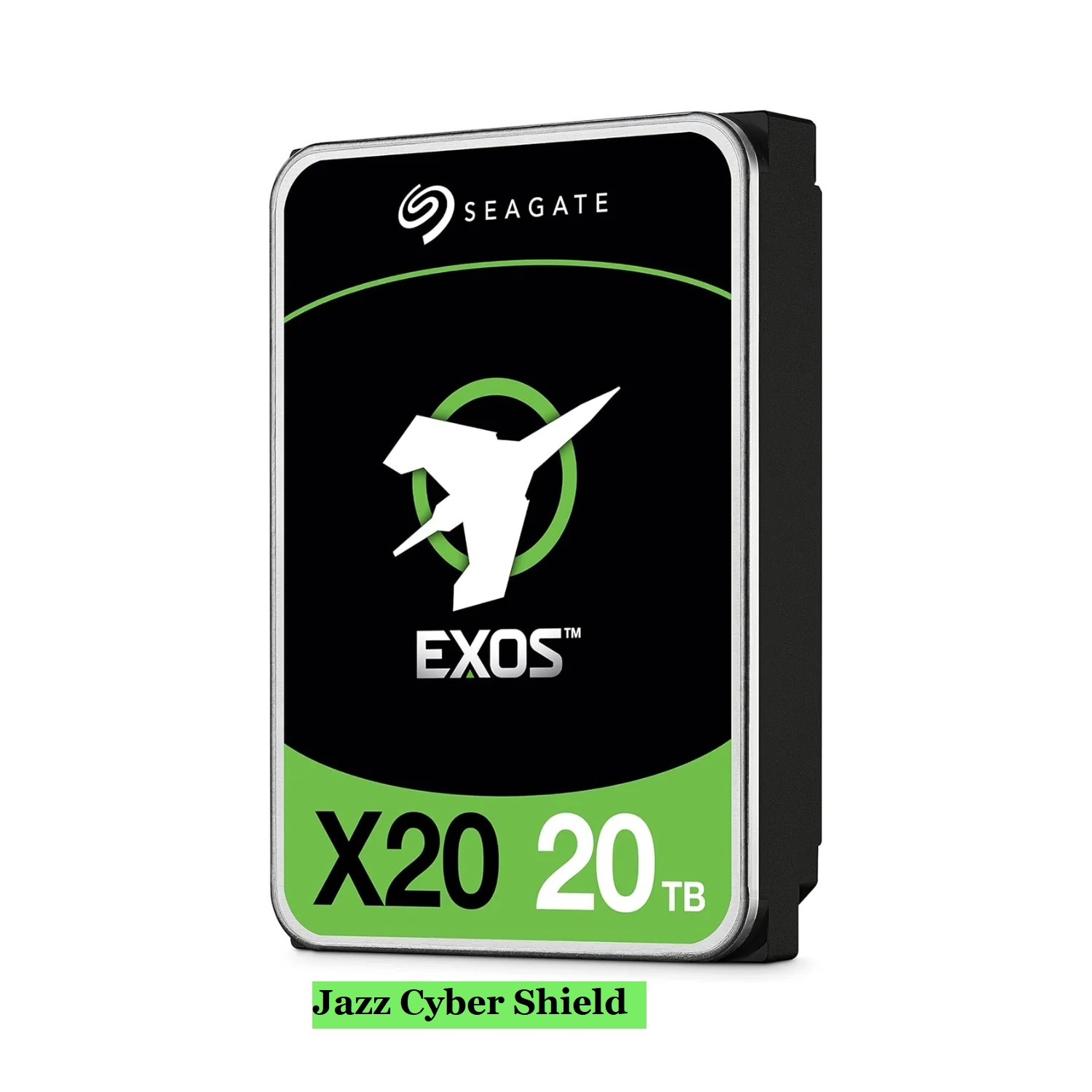
For more demanding environments, Seagate Hard Drive enterprise-class drives (the Exos line, along with various enterprise SATA and SAS models) are built specifically for servers and data centers. These drives are rated for significantly higher workloads and longer duty cycles than consumer drives, often supporting near-continuous operation across multiple years. Capacities in this range routinely hit 16TB, 18TB, 20TB, and beyond, which matters a lot for businesses dealing with large datasets, video archives, or backup systems that need serious headroom.
External Drives: Storage That Travels With You
Not everyone needs a drive permanently installed inside a machine. For a huge number of use cases, photographers backing up shoots, students carrying coursework between campus and home, small businesses needing offsite backups, an external drive is the more practical choice.
Seagate’s external lineup, including the Expansion and Backup Plus series, focuses on plug-and-play simplicity. Connect it over USB, and it just works, no driver installs, no configuration headaches. Many models also ship with backup software included, so setting up automatic, scheduled backups doesn’t require any technical know-how beyond clicking through a setup wizard.
This matters more than people realize until they’ve lost something important. A drive that’s hard to use tends to get used inconsistently, which defeats the purpose of having a backup strategy in the first place. The appeal of Seagate’s external drives is largely in how little friction they introduce, you plug it in, you back things up, and you don’t have to think about it again until you need it.
Surveillance and NAS-Specific Drives: A Category Most People Don’t Know Exists
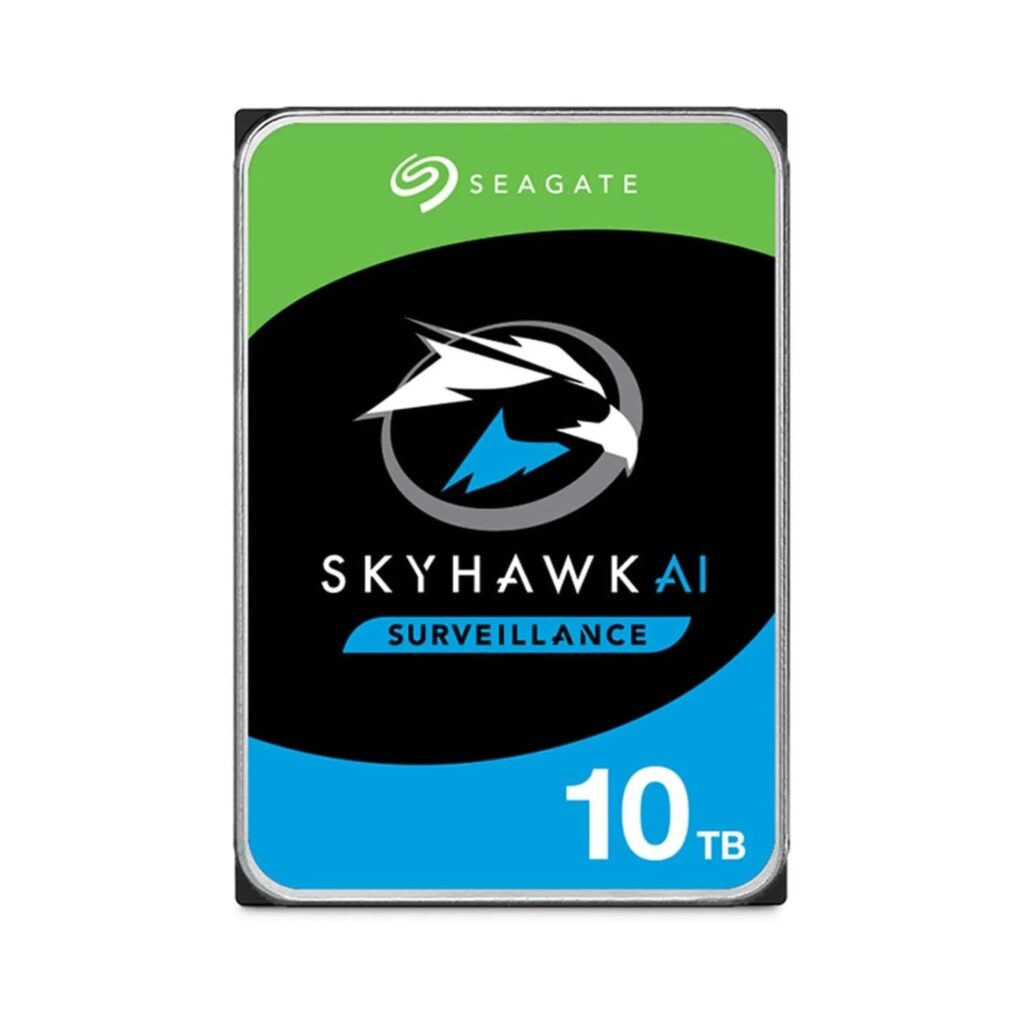
One area where Seagate Hard Drive range goes deeper than most people expect is purpose-built drives for specific workloads. Surveillance-rated drives (like the ST10000VE001) are engineered specifically for the demands of 24/7 security camera recording, continuous write cycles, optimized firmware for handling multiple camera streams, and reliability under non-stop operation that a general-purpose drive wasn’t built to handle.
Similarly, NAS-optimized drives are tuned for the specific demands of network storage systems, RAID rebuild times, vibration tolerance in multi-bay enclosures, and extended warranties that reflect the heavier-than-average workload these drives are expected to handle.
The takeaway here is that “a hard drive is a hard drive” isn’t really true once you get into specialized use cases. A drive built for occasional desktop use and a drive built for round-the-clock surveillance recording are solving genuinely different engineering problems, even if they look similar from the outside.
Capacity: How Much Storage Do You Actually Need?
This is probably the single most common point of confusion for people shopping for a new drive. A few rough benchmarks help:
For everyday computer use (documents, browsing, general software), 1TB to 2TB is typically more than enough.
For media-heavy use (photo/video editing, large game libraries), 4TB to 8TB starts becoming more realistic, especially if you’re not regularly archiving older files elsewhere.
For business or server-grade storage (backups, surveillance footage, data center use), drives in the 16TB to 22TB range are increasingly common, reflecting both the genuine need for that much capacity and the cost efficiency of fewer, larger drives versus many smaller ones.
It’s worth erring slightly larger than your current needs rather than buying exactly what you need today, since data accumulation rarely slows down once it starts.
SATA vs. SAS: A Distinction Worth Understanding
For most home and small business users, SATA drives are the standard, and for good reason: they’re widely compatible, cost-effective, and perform well for the vast majority of use cases. SAS (Serial Attached SCSI) drives, by contrast, are built for enterprise environments with heavier simultaneous workloads, offering better performance under multi-user, multi-process conditions typical of larger data centers.
Unless you’re managing infrastructure at that scale, SATA is almost certainly the right choice, and it’s what the bulk of Seagate’s consumer and small-business-oriented catalog is built around.
Don’t Overlook the Cables and Connections
It’s easy to focus entirely on the drive itself and forget that the cable and connection type matter too. A drive capable of fast transfer speeds will be bottlenecked by an outdated or low-quality cable. Whether you’re connecting via USB 3.0, USB-C, or SATA directly inside a desktop, using properly rated cables ensures you’re actually getting the performance the drive is capable of, rather than leaving speed on the table because of a cheap or worn connector.
Why Buying Through an Authorized Reseller Actually Matters
Hard drives are mechanical devices, and like anything mechanical, they can fail, sometimes within the warranty period. When that happens, having purchased through an authorized channel is the difference between a smooth replacement process and a denied claim because the seller wasn’t verified.
This is particularly relevant for enterprise-grade and surveillance drives, where the stakes of a failure (lost footage, lost server data) are considerably higher than a single home user losing some personal files. Buying from a reseller that sources directly through authorized distribution removes the guesswork from that equation entirely.
Final Thoughts
Seagate’s range covers a remarkably wide spread of needs, from simple desktop upgrades to enterprise-grade server storage running around the clock, and the right choice really does come down to matching the drive to the actual workload rather than just picking based on price or capacity alone. For anyone shopping for a Seagate hard drive, whether internal, external, or one of the specialized surveillance and NAS variants, Jazz Cyber Shield carries the lineup through authorized distribution, with the full range of capacities and drive types available for US-based shipping.
Getting storage right isn’t glamorous, but it’s one of those decisions that quietly protects everything else you’re doing on a computer or network. Picking the right drive now is a lot less painful than dealing with a failure later.